



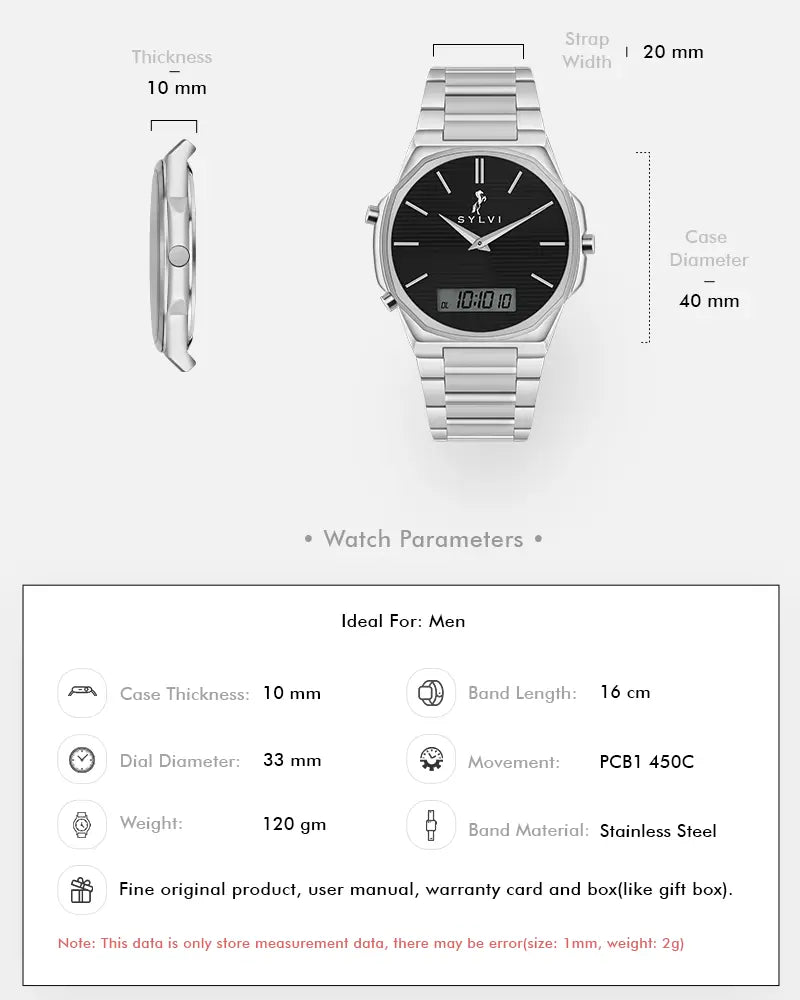
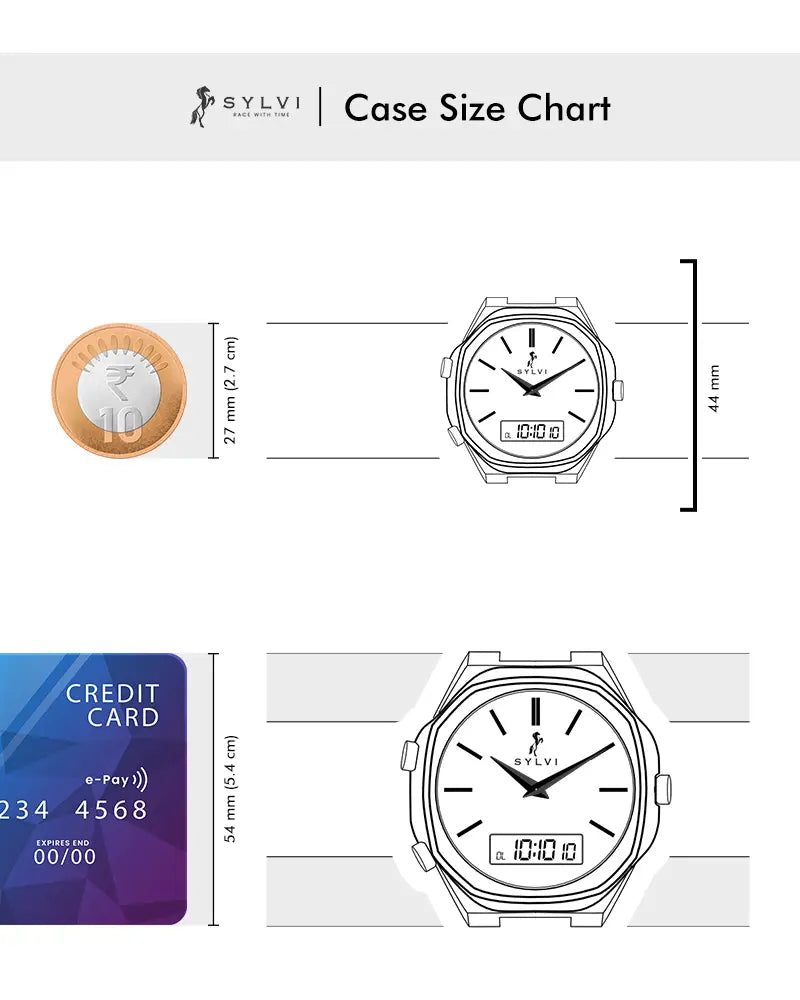

这是附加信息
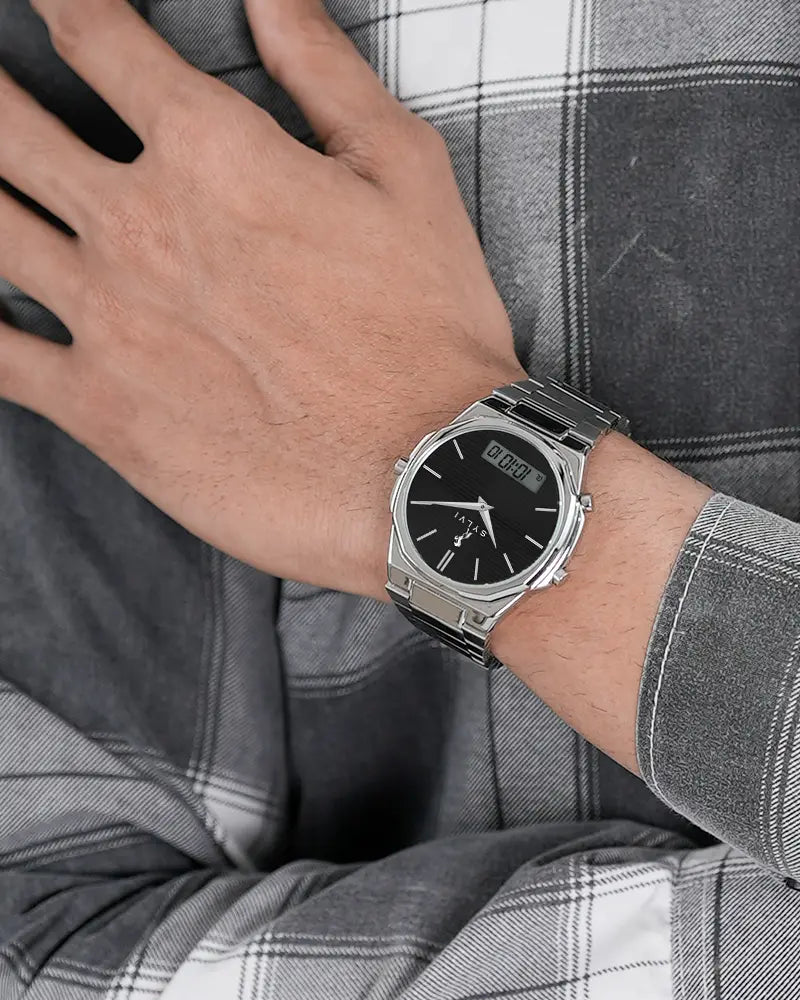
The Blade Dual Time Black Silver Steel is designed for men who prefer timeless strength with modern precision. This watch blends a classic silver finish with a contemporary dual-display experience, creating a refined everyday timepiece that feels confident, balanced, and purposeful.
Built for professionals and style-conscious men, it stands strong among that value design as much as functionality.
Case & Craftsmanship
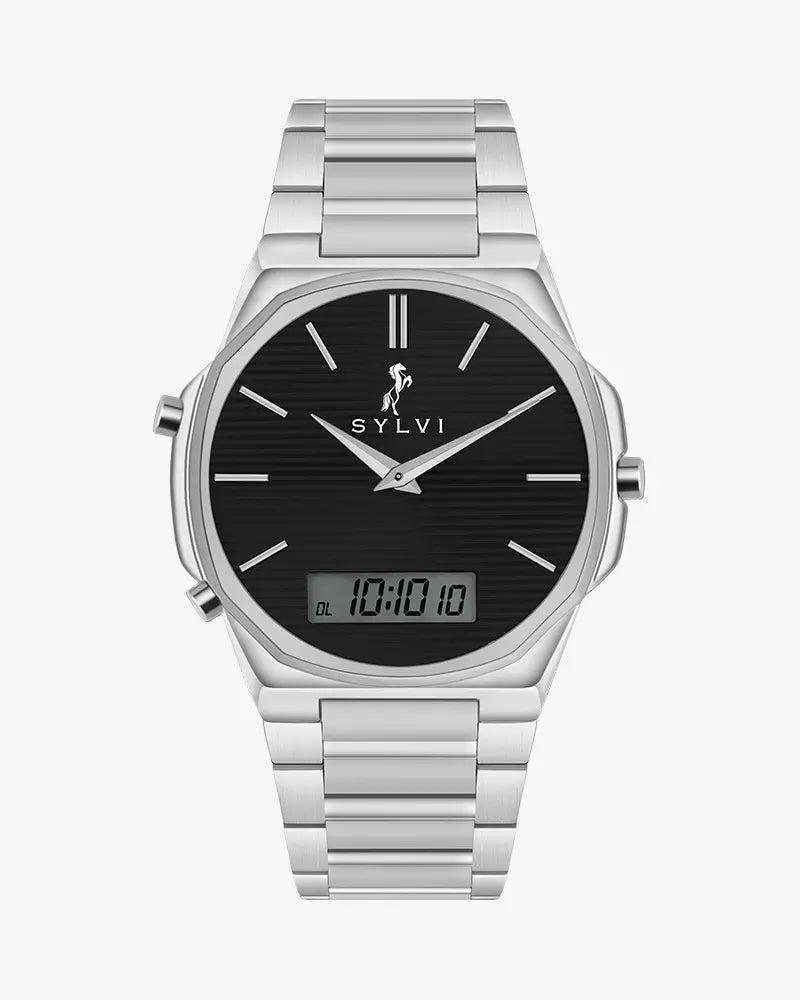
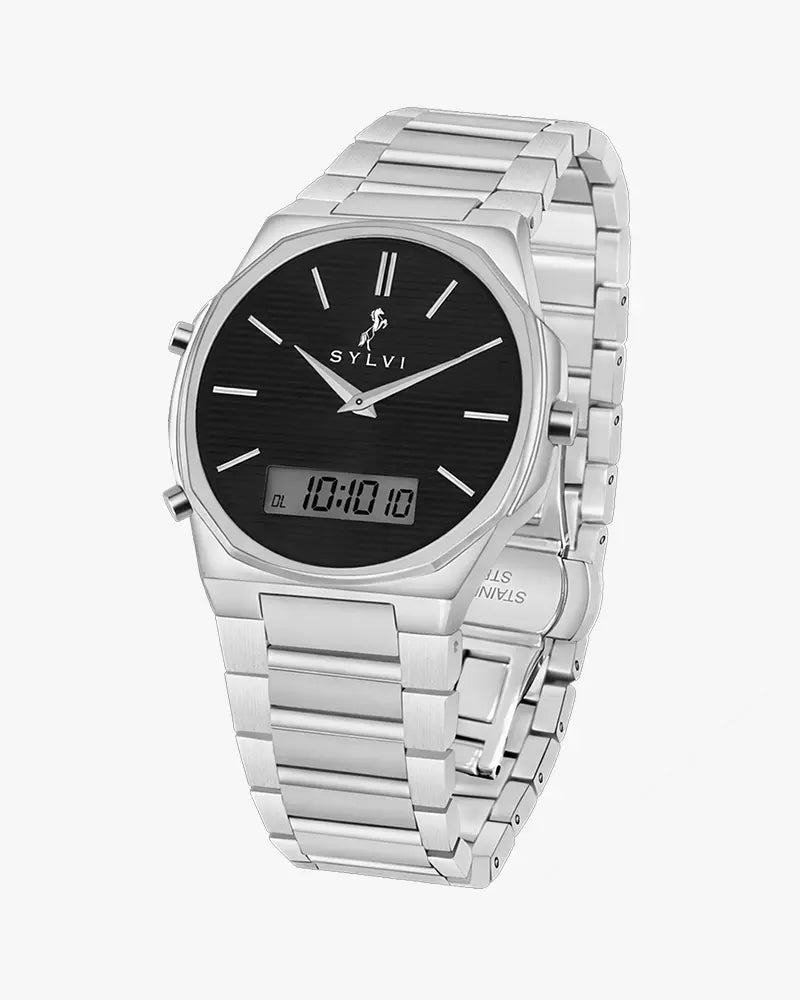
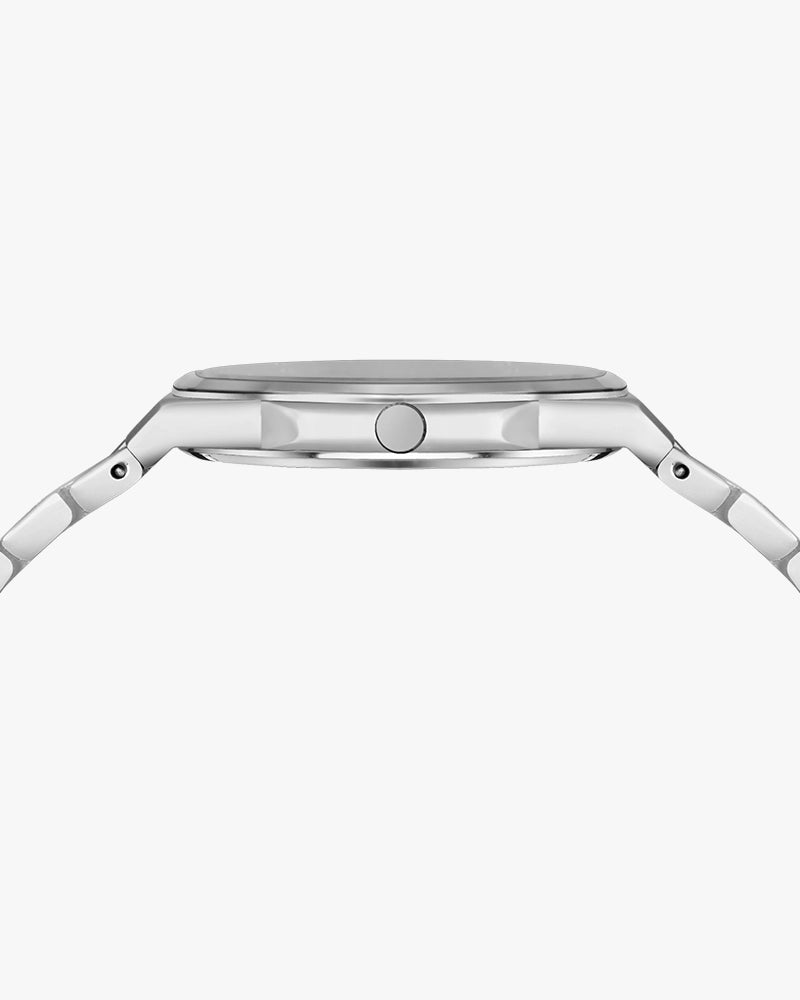
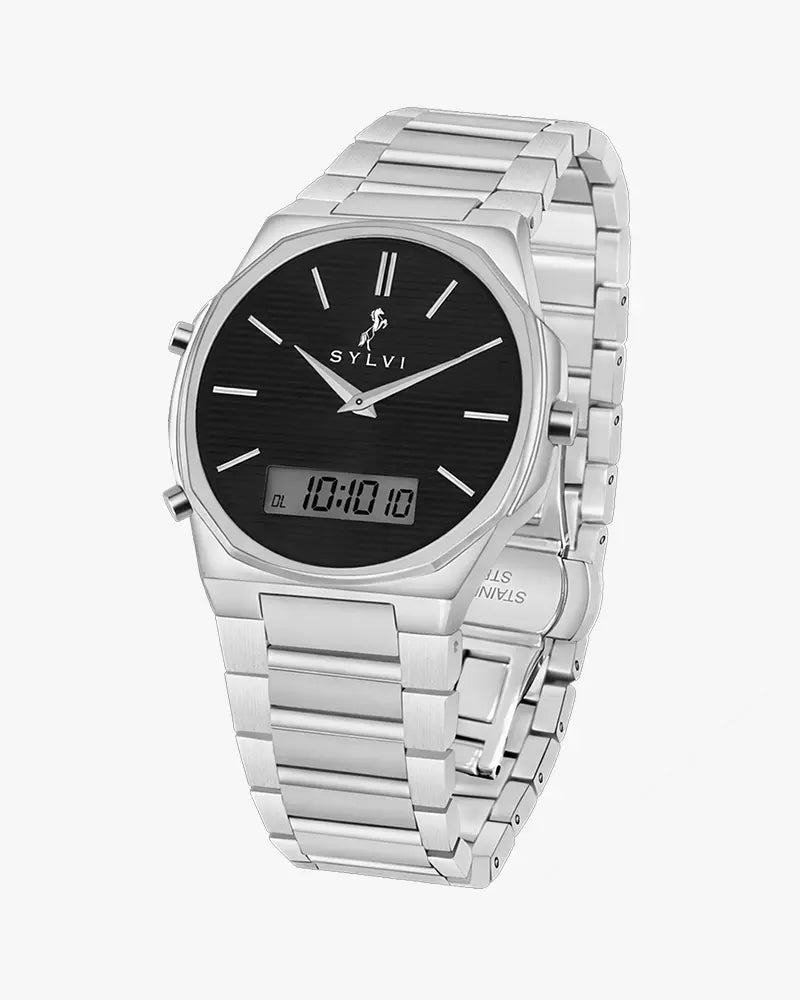
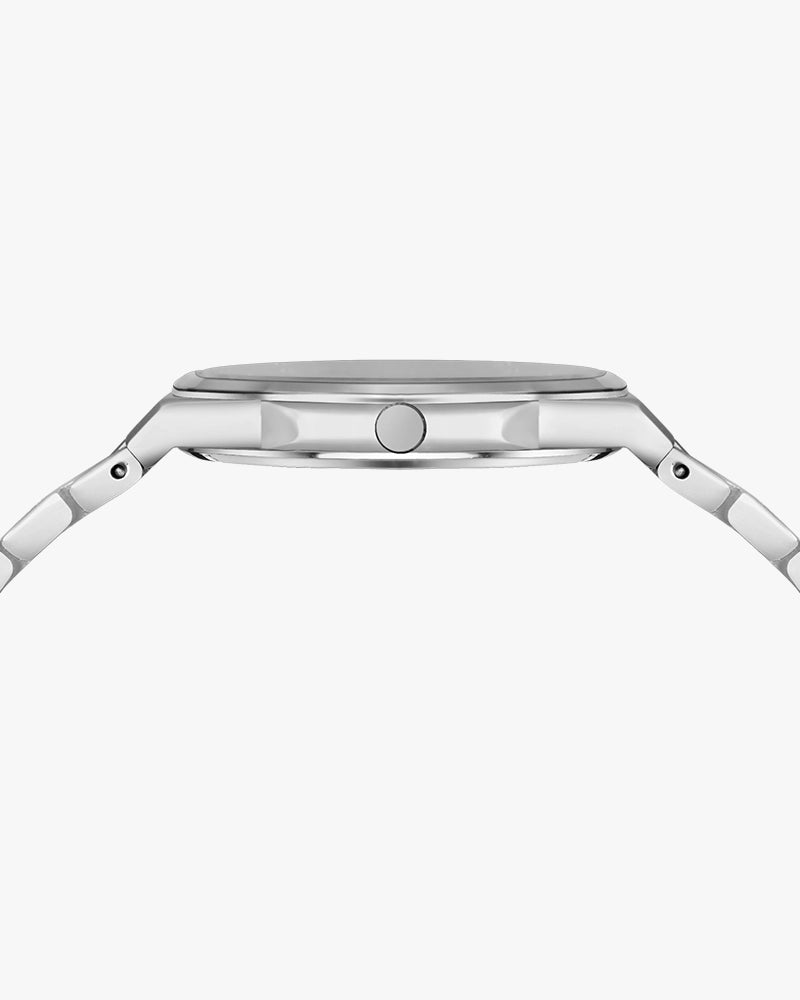
Silver -colored casing offers the Blade Dual Time a precise, easy-going, and clean look that can be used in formal and informal attire. The protruding Octagon shape is stylish and provides a sense of structure and design that provides modernity as an alternative to old round watches, without being self-imposing.
The mirror-polished surface bounces the light in a modest manner which provides the premium appearance that will not fade away but will continue to look elegant during the long periods of wear. The construction is good and reliable as a whole, which makes it reliable on the wrist every day.
Button – Practical Control
The Blade Dual Time watch operates using three buttons: A, B, and C. The A button is used to adjust time and date values and to move between different modes. For example, during time setting you can change the hour from 8 to 9, and during date setting you can change the date from 10 to 11.
The B button is used to switch between settings and to save changes. Holding the B button for 2 seconds activates the setting mode, and the display will flash with a luminous indication.
The C button is used to adjust the analog time. In normal mode, press and hold C to move the hour and minute hands, then press C again to confirm.
Dial & Visual Identity
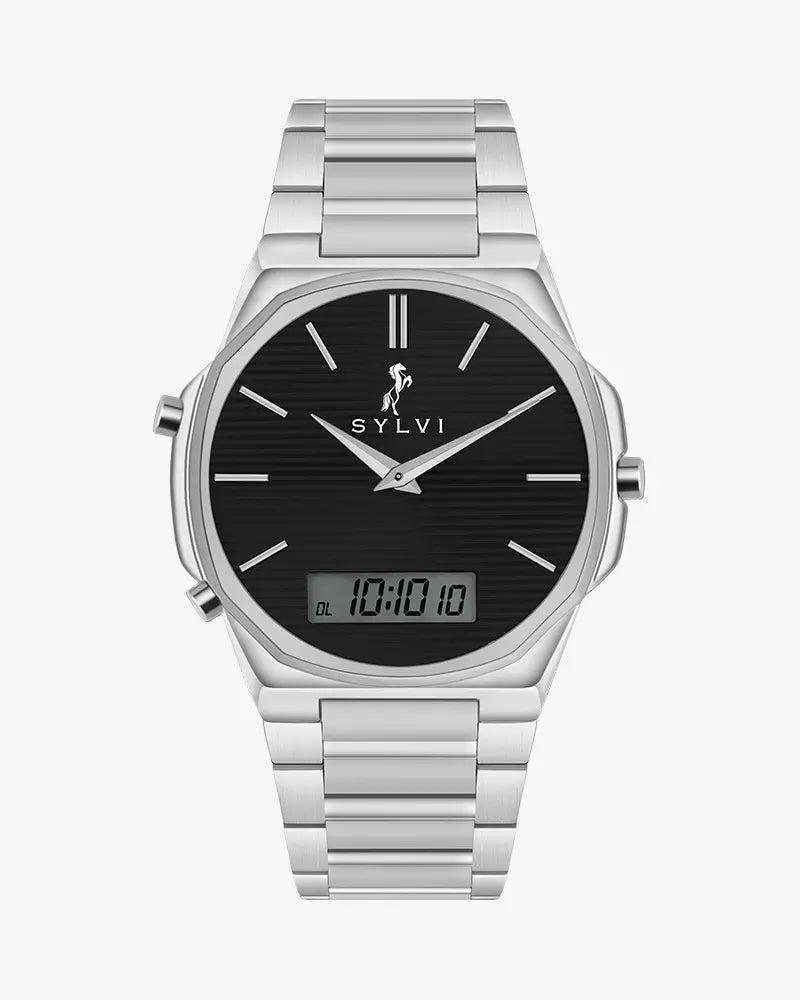
The metal allows a contrast despite the Black dial which is placed on the silver case making it easy to read. The dial has subtle horizontal detailing, which provides it with a refined visual texture without imposing any distraction.
The dual display design has analog hands seamlessly incorporated with a digital window which is making the video one of the watches that can stand on its feet among the companies that are oriented towards clean design.
Hands
The hands are narrow, smoothed out and made to be immediately readable. Their metallic finish fits their Silver case perfectly and stands in sharp contrast to dark dial, making it always easy to read. Such balance of visibility and elegance supports the upscale nature of the watch.
Strap & Wearing Comfort
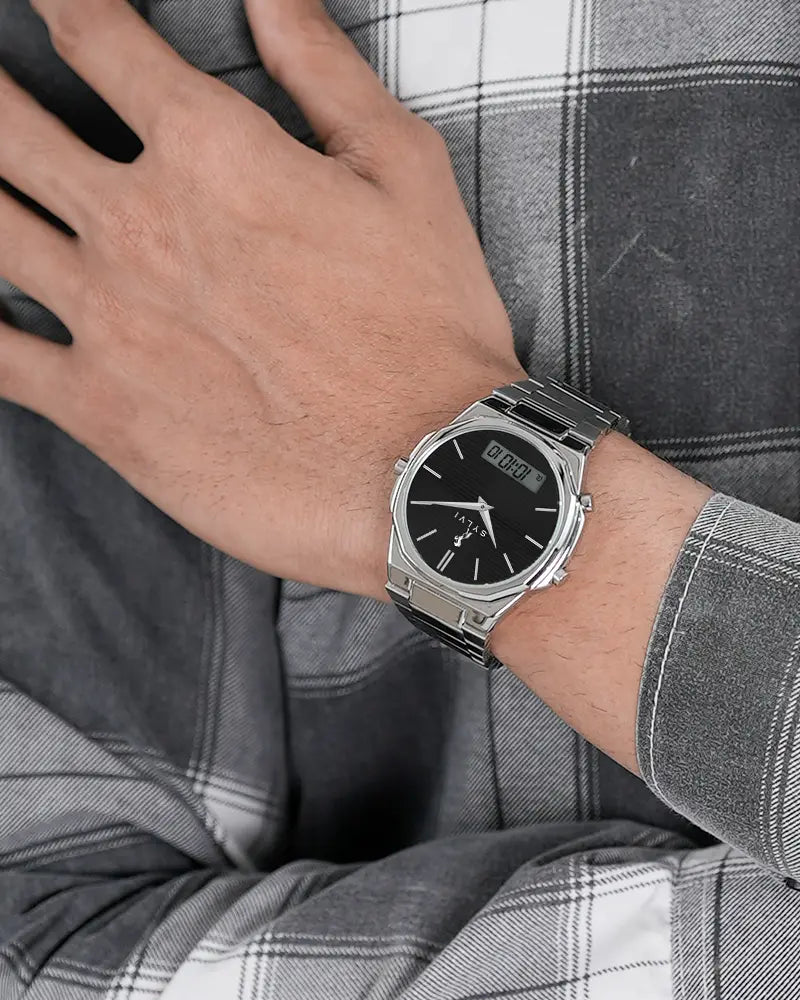
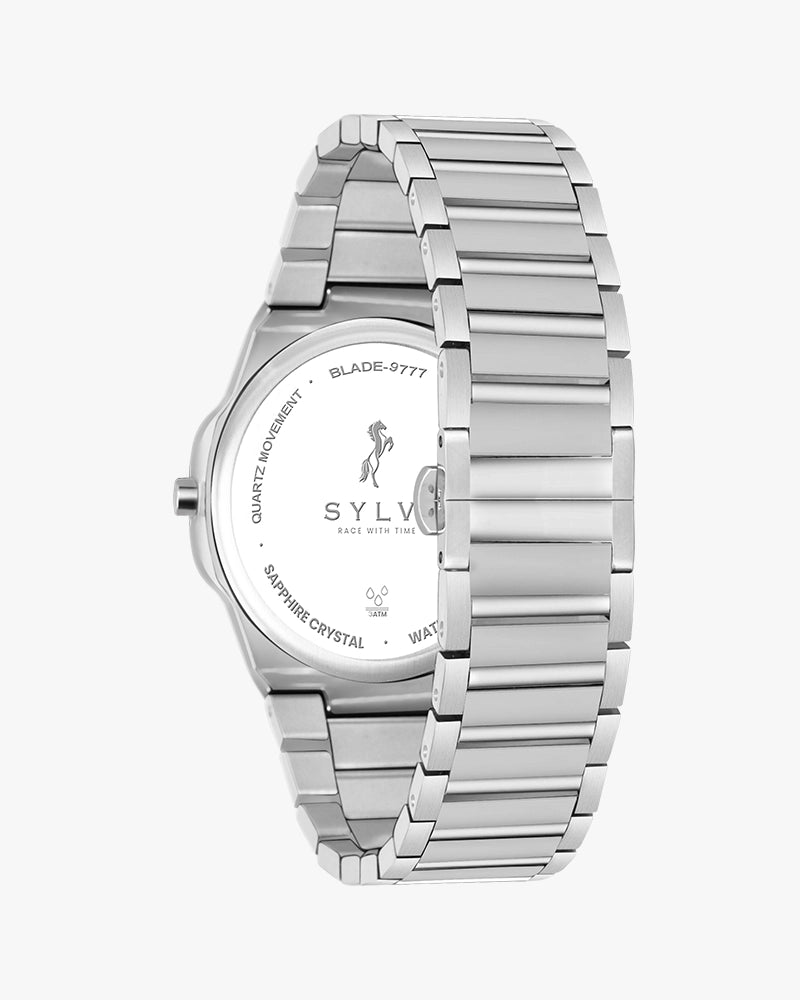
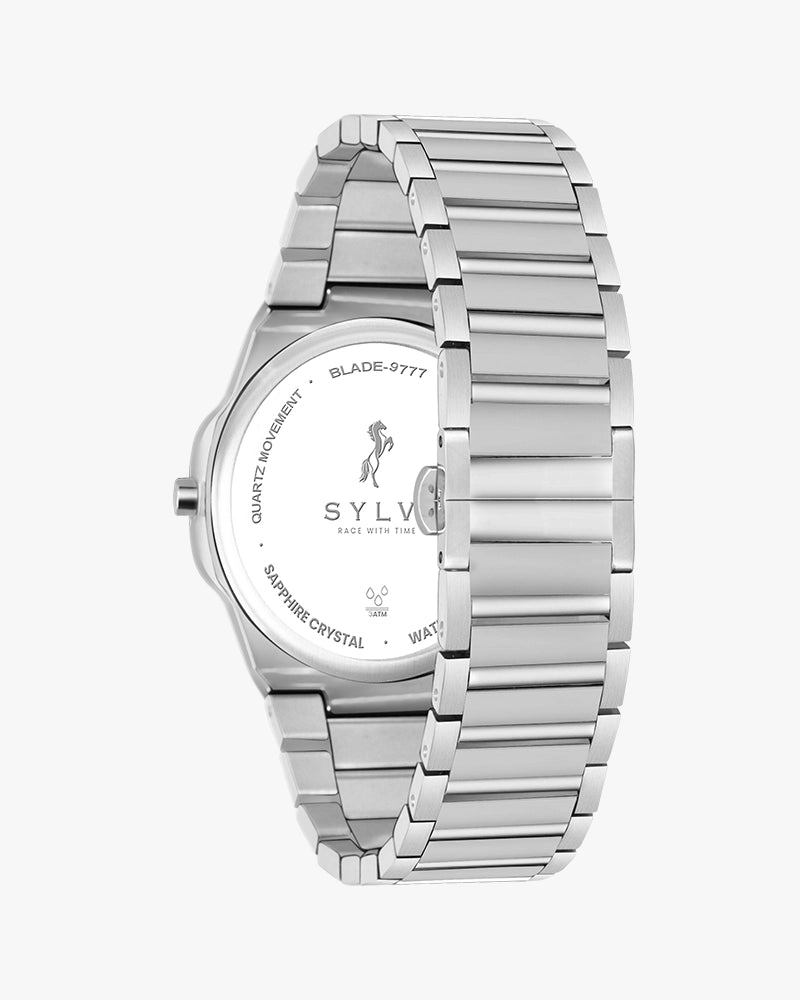
The bracelet having Stainless steel also adds a touch of attractiveness to the product providing an impression of strength and stability. It is safe on the wrist and also fits long hours thus is right in the office schedule, travel and daily activities.
The fit is overall reassuring, evenly balanced, and even supporting, so one can wear it all day without being tired of it.
The Blade Dual Time Black Silver Steel is designed for men who prefer timeless strength with modern precision. This watch blends a classic silver finish with a contemporary dual-display experience, creating a refined everyday timepiece that feels confident, balanced, and purposeful.
Built for professionals and style-conscious men, it stands strong among analog digital watches that value design as much as functionality.
Case & Craftsmanship
The silver-toned case gives the Blade Dual Time a clean, versatile identity that suits both formal and Casual wear. Its sharp octagon-inspired form adds character and structure, offering a modern alternative to traditional round watches without feeling excessive.
The polished surface reflects light with restraint, delivering a premium look that remains elegant through long-term wear. The overall build feels solid and dependable, reinforcing everyday confidence on the wrist.
Button – Practical Control
The button and pushers are thoughtfully placed for smooth and effortless operation. Adjusting time or switching functions feels intuitive and controlled, enhancing the experience of a modern analog watch with digital display.
This design ensures comfort and usability, even during extended daily wear.
Dial & Visual Identity
The Black dial creates a striking contrast against the silver case, enhancing clarity and legibility. Subtle horizontal detailing adds depth to the dial, giving it a refined visual texture without distraction.
The dual-display layout integrates analog hands with a digital window seamlessly, placing this timepiece confidently among luxury watches for men who appreciate clean design.
Hands
The hands are slim, polished, and designed for instant readability. Their metallic finish complements the silver case while standing out clearly against the dark dial, ensuring time is always easy to read.
This balance between visibility and elegance reinforces the watch’s refined character.
Strap & Wearing Comfort
The stainless steel bracelet completes the look with a sense of strength and stability. It feels secure on the wrist while remaining comfortable for long hours, making it suitable for office routines, travel, and everyday use.
The overall fit feels balanced and reassuring, supporting all-day wear without fatigue.
Movement & Experience
The Blade Dual Time Black Silver Steel offers a stylish dual-time experience that represents the perfection of analog mechanics and practical digital features. All features that are a part of everyday life like time, alarms and chronographic assistance are all incorporated in a seamless way, to ensure a well-organised, active life.
Features
To set the digital time, stay in Normal Mode and press and hold the B button for 2 seconds until the seconds start flashing. Press B to switch between Seconds, Hour, Minute, and 12/24-hour format. Press A to adjust the selected value, then press B to save.
To set the Date and Day, press the A button one time from Normal Mode to enter Date & Day mode. Then press and hold the B button for 2 seconds until the month starts flashing. Press B to switch between Month, Date, and Day, and press A to adjust the selected value. Press B to save the setting. After completing the Date and Day setting, press the A button four times to return to Normal Time Mode.
Press the A button one time each to change modes in this order: Normal Time, Date & Day, Alarm, Stopwatch, and DL (Dual Time). Continue pressing A until you return to Normal Mode.
To set the Alarm, press A until Alarm Mode appears (third mode). Hold B for 2 seconds until the hour flashes. Press B to switch between Hour and Minute, press A to adjust, and press B to save.
For the Stopwatch, press A until Stopwatch Mode appears. Press B to start timing and press B again to stop. Hold B for 2 seconds to reset to zero. Press A once to return to Normal Mode.
Why Choose Sylvi?
Sylvi watches are designed, with Indian handiwork and contemporary design thinking. The timepieces are echoes of quality, transparency, and durability. The Blade Dual Time Black Silver Steel has a sense of versatility, precision and a sense of everyday elegance.
Who Should Buy This?
- Men who need a multitasking analog digital watch.
- Professionals of the search of an elegant everyday timepiece.
- Men who are interested in buying Premium watches.
- People who want to buy a well-thought and enduring present to men.
- Men replacing with brand watches with classic designs.
It is also applicable to younger customers as they shop watches to use as boys and desire a clean and grown-up look.
Care & Maintenance
In order to maintain the look, clean the watch regularly using a soft and dry cloth. Risk factors to avoid would be staying long in wet environments or being exposed to coarse chemicals. Keep it away when not in use to preserve its finish and performance. The Blade Dual Time Black Silver Steel will be a reliable companion many years with its simple care.

You have successfully commented, please wait for review
Copied Successfully
You can enjoy up to 1 free gift!